Create, share, and track interactive quizzes that keep your audience coming back.
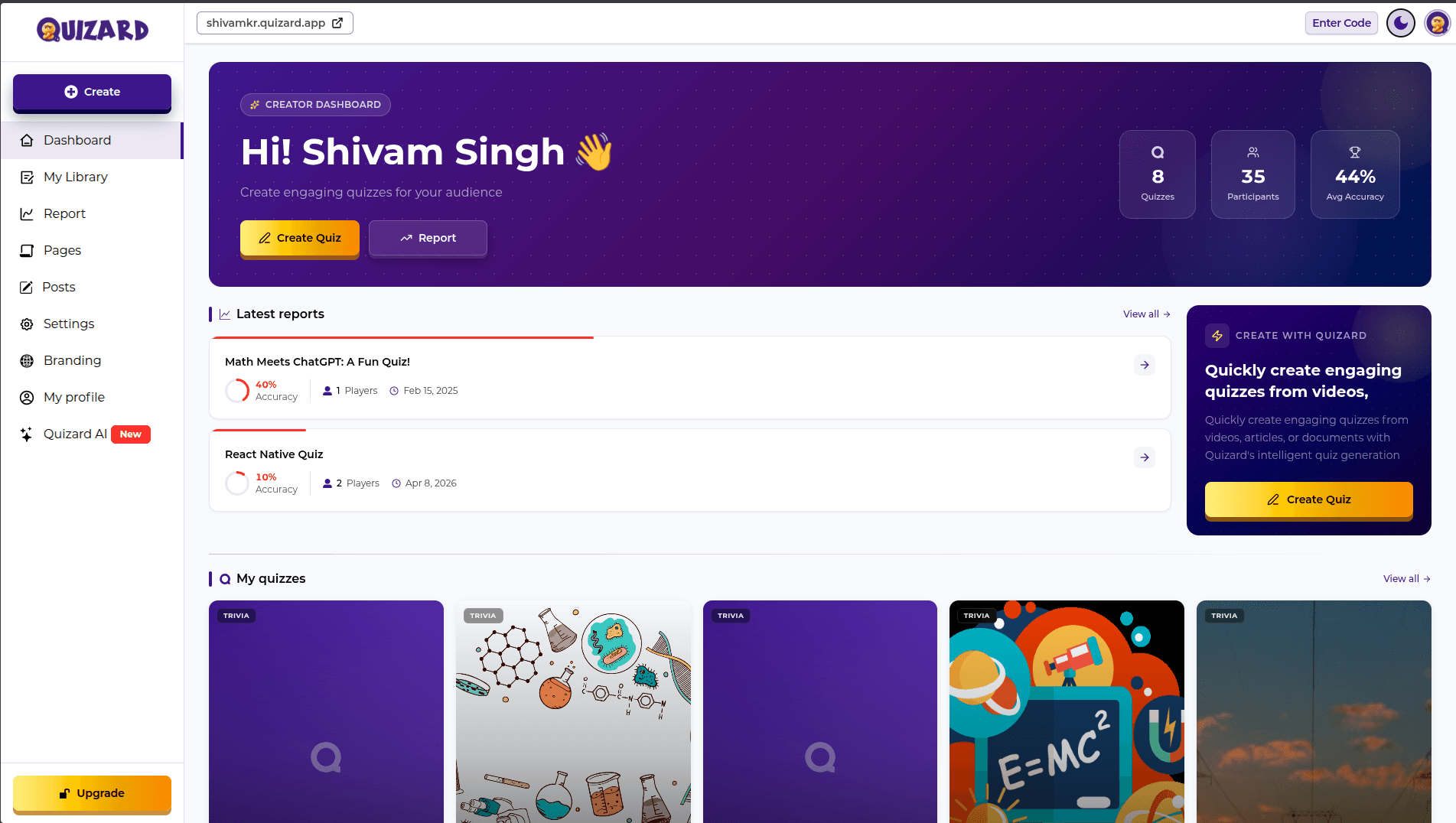
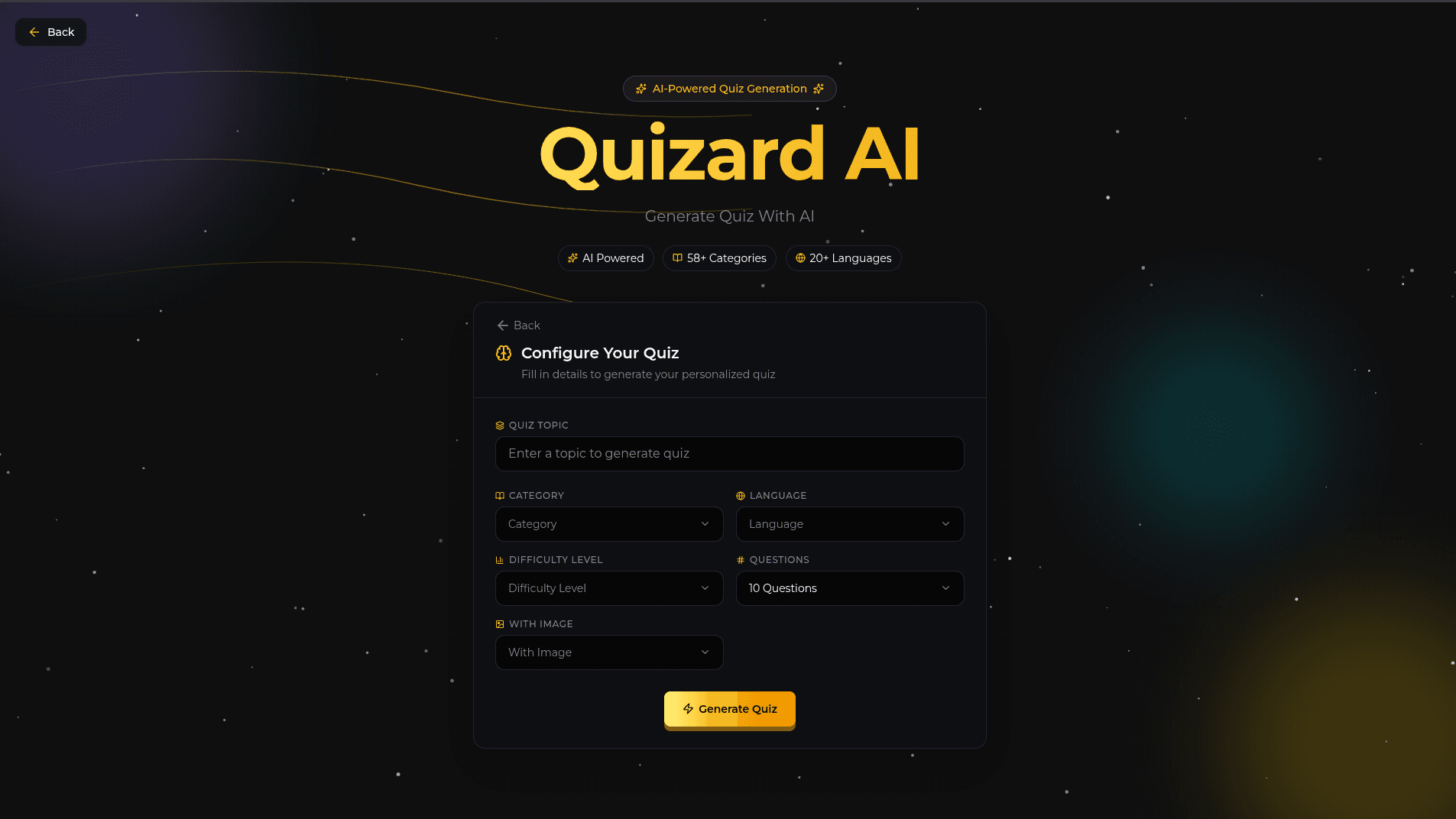
Generate engaging quizzes with AI in seconds
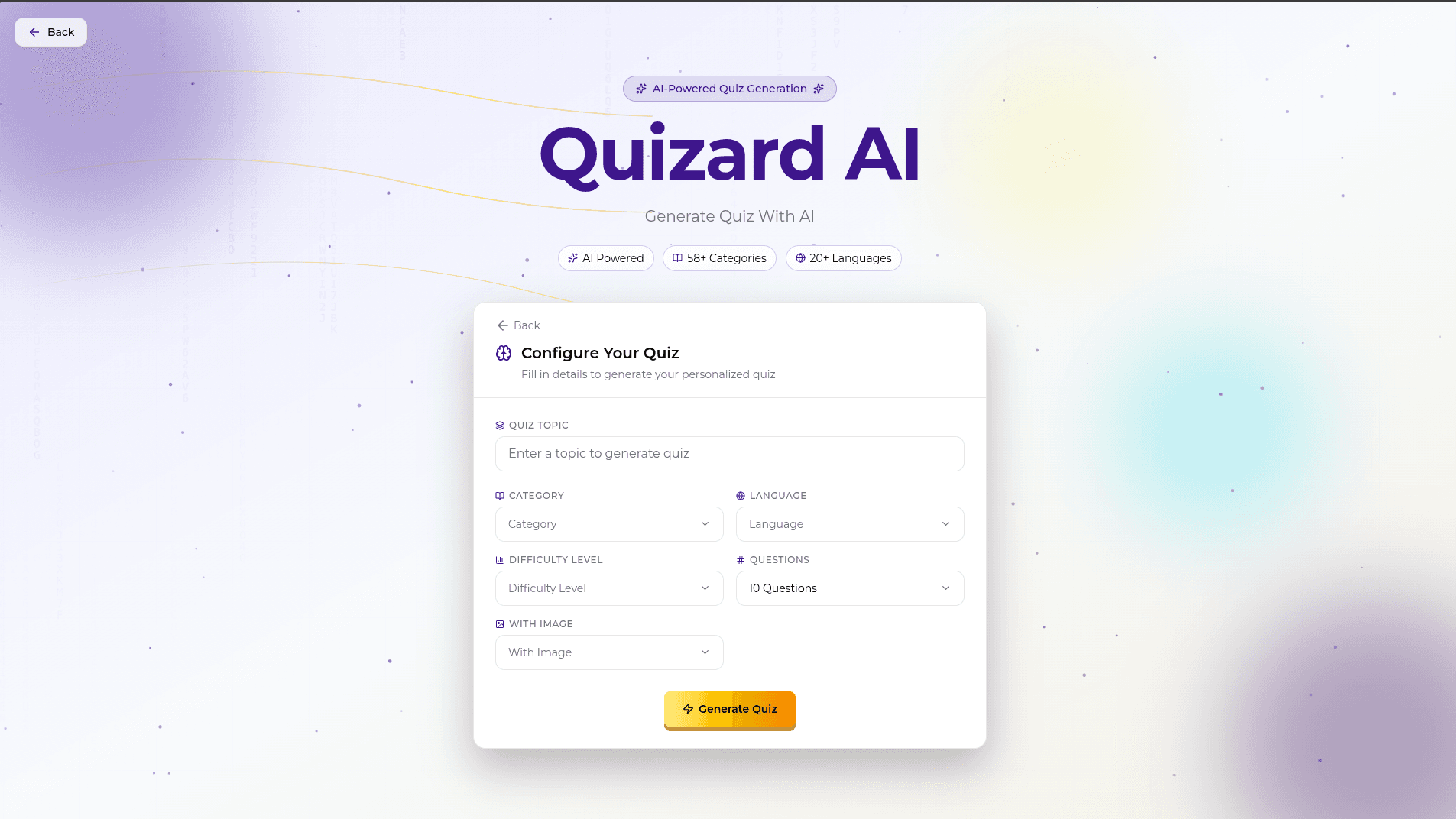
Advanced AI algorithms create engaging and relevant questions tailored to your topic.
Generate comprehensive quizzes in seconds, saving you hours of manual work.
Tailor questions, difficulty levels, and formats to match your specific needs.
Share and collaborate on quizzes with team members in real-time.
Quizzes Generated
Active Users
Satisfaction Rate
Design with a full suite of intuitive tools and powerful AI to create the engaging quizzes you want.
Streamline your day-to-day with built-in business solutions, tailored to your needs.
Expand your reach by connecting more people to play your quizzes.
Create quizzes easily with our intuitive interface.
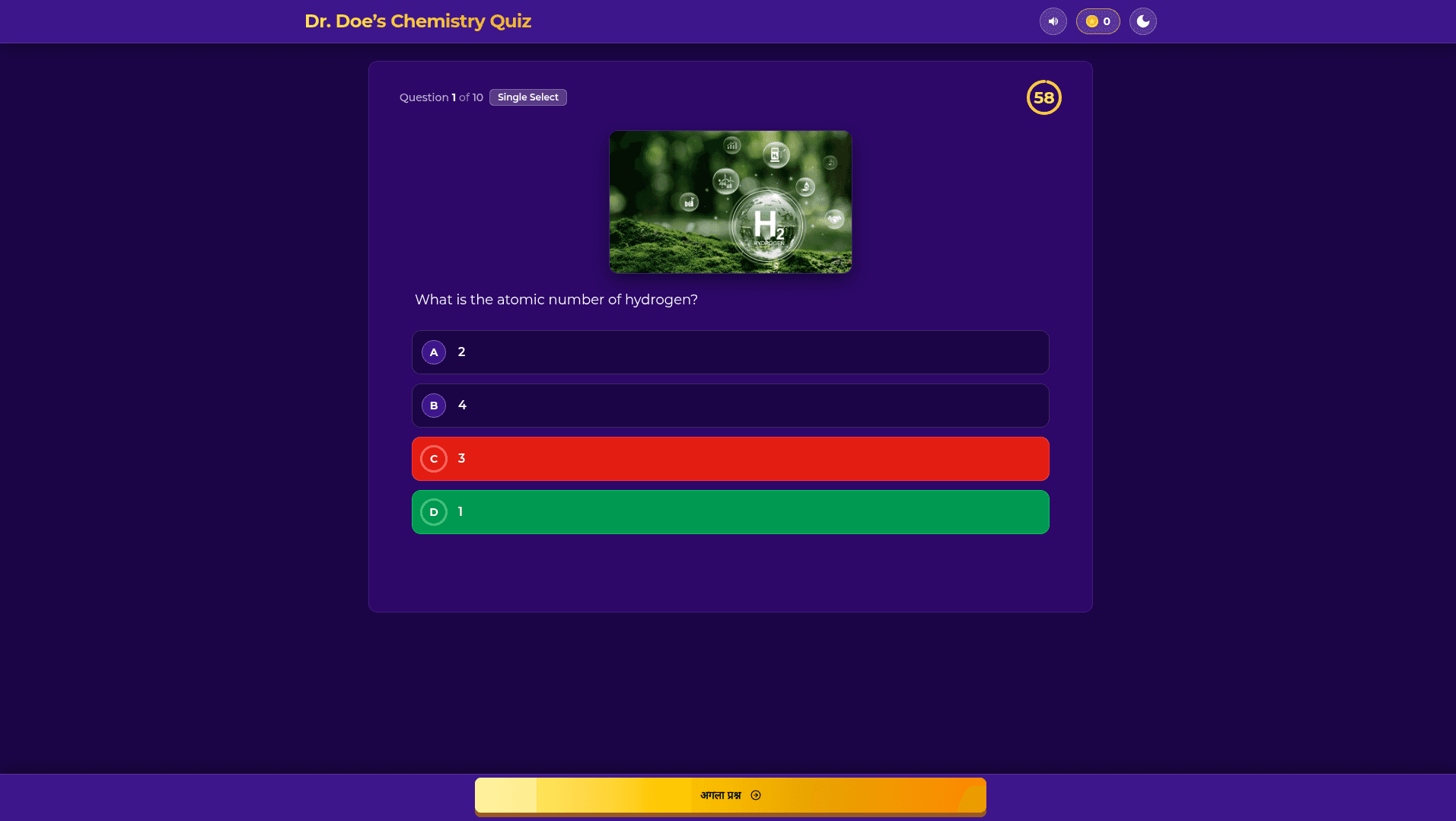
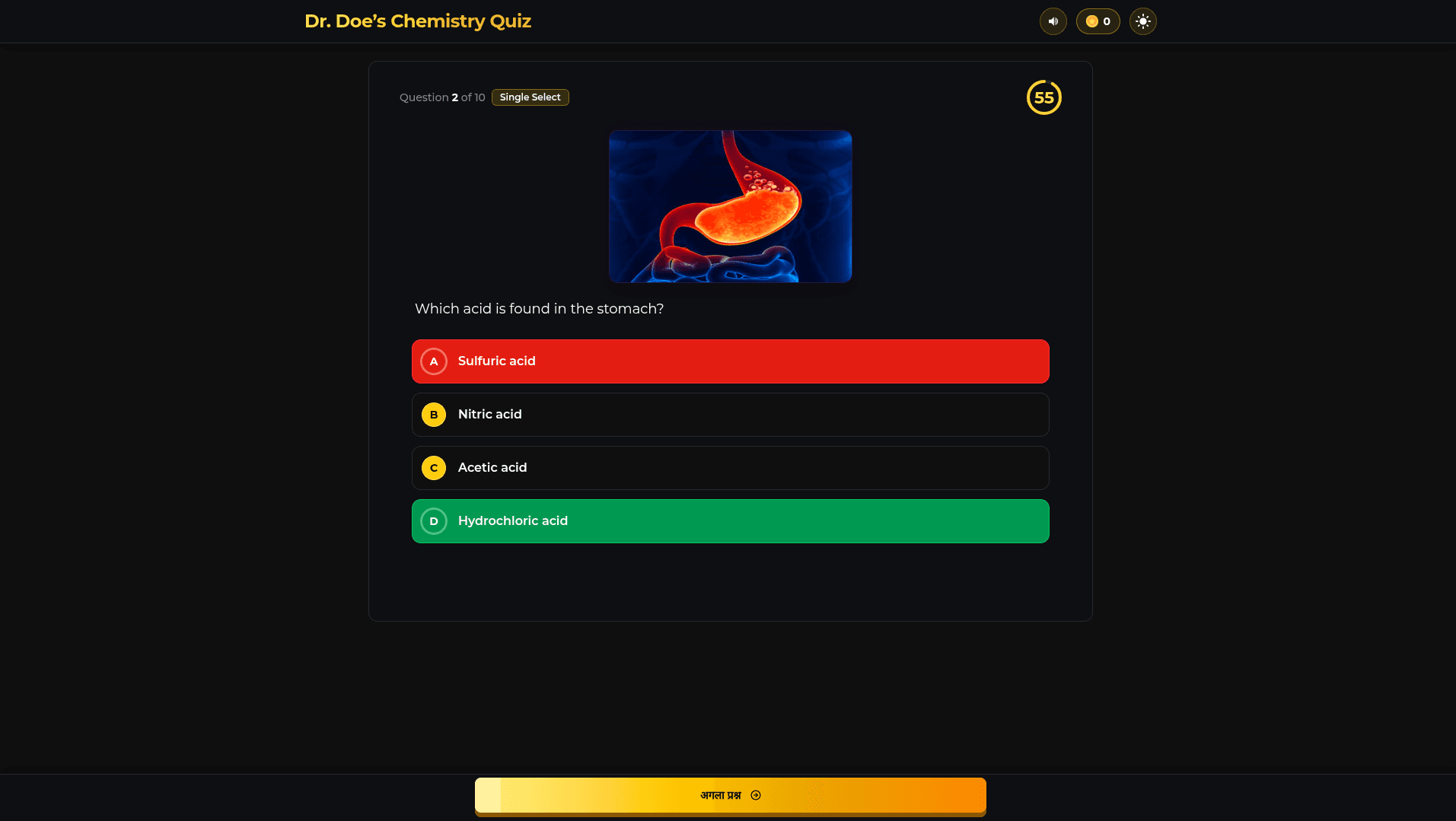
Designed to provide a smooth experience for quiz takers on any device.
Your quizzes and data are protected with top-tier security, 24/7.
Handle thousands of players simultaneously without downtime.
Easily tailor quizzes with themes and branding for a unique player experience.

Build practice sets and mock tests that help your audience ace their exams.

Create daily knowledge quizzes that keep your audience engaged and coming back.
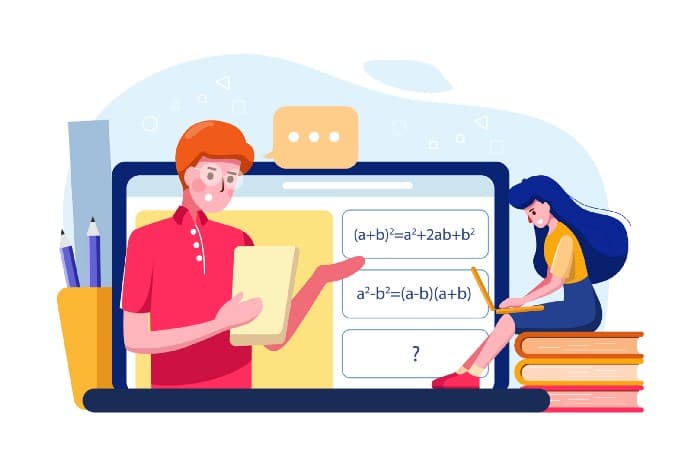
Design skill-building quizzes to train and upskill your audience.
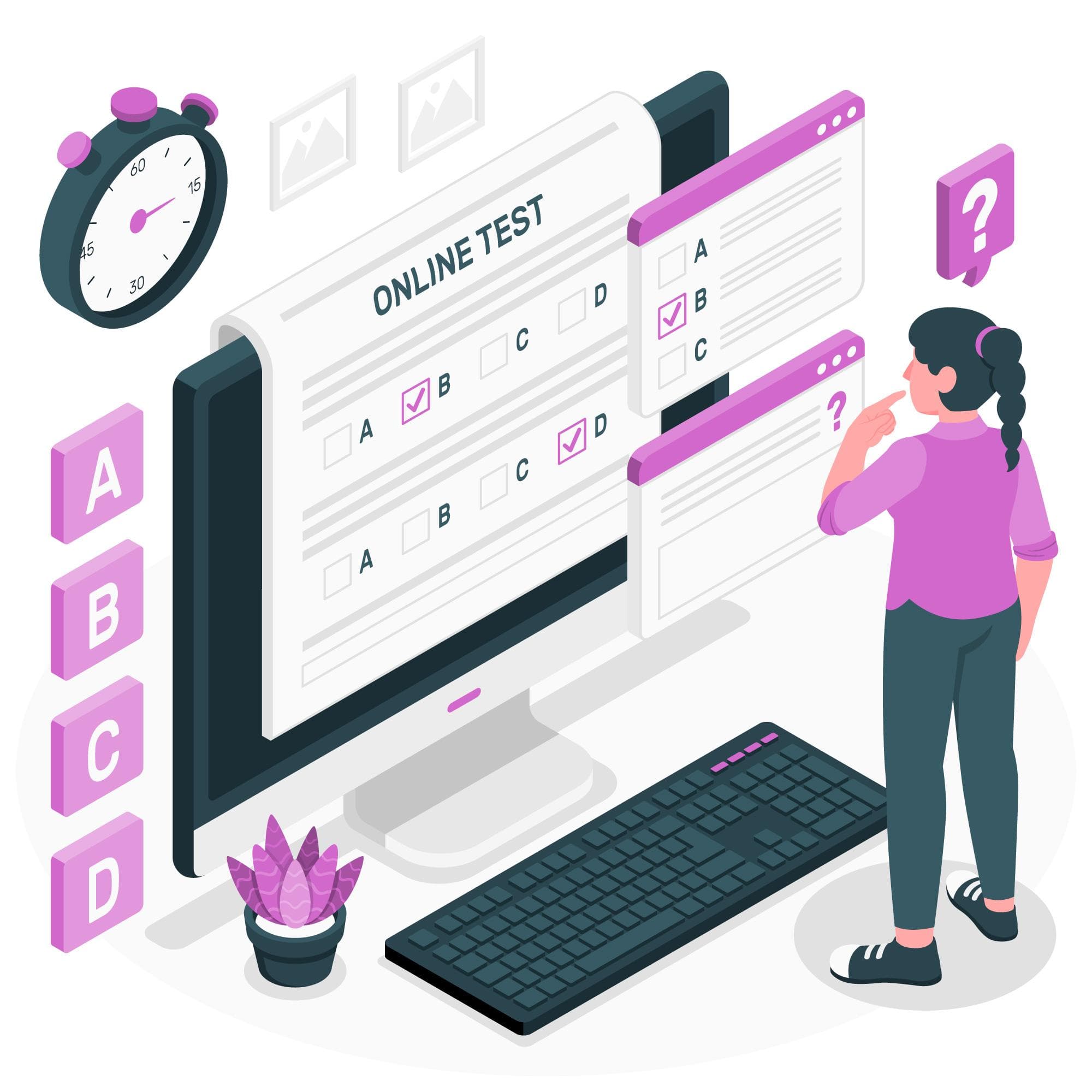
Create realistic mock tests to prepare and assess your audience.
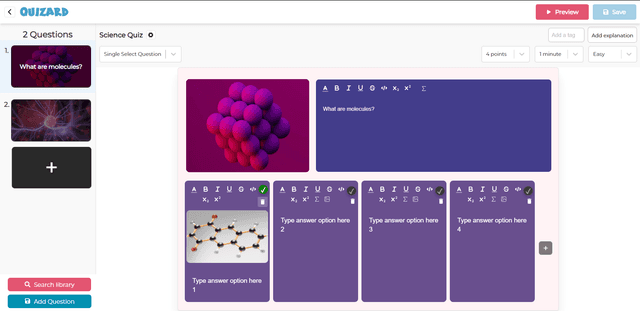
Follow these 6 simple steps to start your quiz today.
Create an account to start building and playing quizzes.
Use the intuitive interface to add questions, options, and answers.
Tailor your quiz settings like time limits, difficulty, and themes.
Test your quiz before publishing to ensure everything works smoothly.
Share your quiz link with others or make it public for players to join.
Monitor quiz attempts and view detailed score reports for players.
Watch video tutorials and read detailed guides on how to create and play quizzes.
Go To Help CenterNeed help with creating or managing quizzes? Chat with us or schedule a call with our Quiz Support Team.
Chat with usGet professional help at any stage—from quiz creation to player engagement.
Browse all servicesA quiz creator allows you to design and build quizzes for users to participate in, including adding questions, answer choices, and settings for scoring.
You can create a quiz by selecting a template or building from scratch. Add your questions, answers, and set the scoring rules for the quiz.
Players can join quizzes by accessing a quiz link and answering questions. Once the quiz is complete, they receive a score based on correct answers.
Quizzes can be scored by assigning points for correct answers. The score is calculated automatically after the player completes the quiz.
Yes, you can set quizzes to be either public, allowing anyone to participate, or private, limiting access to only invited users.
Once your quiz is created, you can share it with others using a unique link, or embed it on a website or social media platform.
You can track the performance of players by checking the leaderboard, reviewing individual scores, and analyzing response data.
You can add multiple-choice, true/false, short answer, or image-based questions to make your quiz more engaging and interactive.
You can edit your quiz by accessing the quiz editor, where you can update questions, answers, or any other settings before republishing.